
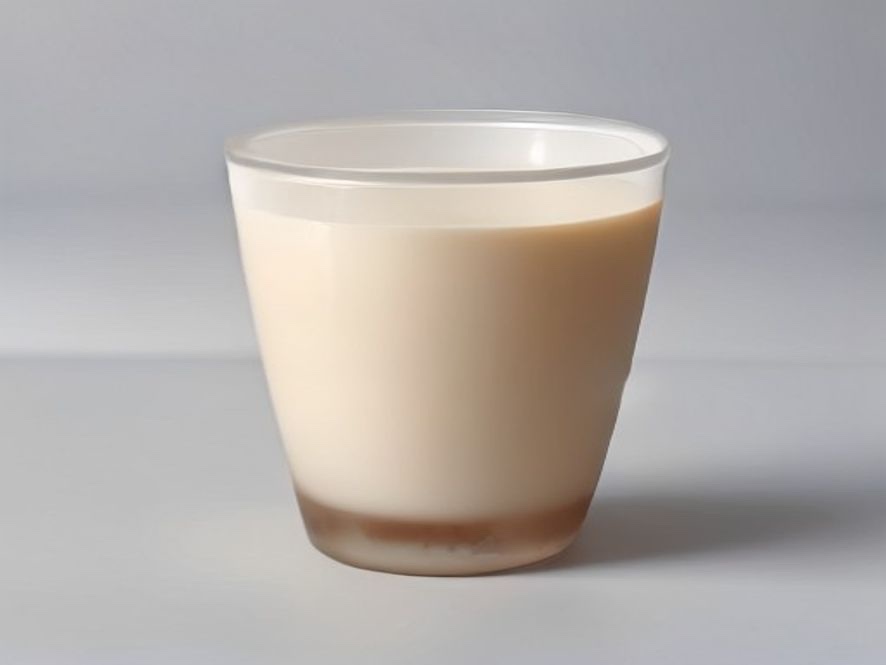
Product Hero Shot Generator
A hero shot earns its keep when it is clear, credible, and conversion-ready. This template uses your upload as the only product identity and adjusts scene, light, and composition—it does not invent a different product.
Template pages do not publish an upload or result. Sharing stays opt-in: download or post only when you choose to.
Templates do not change generation pricing. The editor shows the live credit estimate before you spend.
Why a hero template pays off
Preview before listing
Faster than ad-hoc prompting and easier to keep a consistent look across SKUs.
Product identity stays anchored
Starting from your upload reduces the risk of generating a different product altogether.
Built for catalog conversion
White seamless, lifestyle table, and rim light map to common ecommerce and ad placements.
Steps for a usable hero shot
- 01
Start with a clear product photo
A complete, in-focus subject beats a flashy angle with missing detail.
- 02
Use honest name and selling copy
Describe material and use case concretely; do not claim unauthorized brands.
- 03
Match surface to placement
White seamless for pure catalog; lifestyle table for detail and social; rim light for texture emphasis.
- 04
Inspect labels and silhouette
After generation, verify packaging text, logo areas, and product outline remain correct.
Product hero template FAQ
Will it change the product shape?
The prompt asks to preserve shape and material from the upload, but you should still verify details and label areas manually.
Can I upload branded packaging?
Use only images you have rights to. The result is not brand-authorized artwork—check compliance before commercial use.
Will my upload be public?
The template page does not publish uploads. Sharing only happens when you choose to download or post a result.
Try a related workflow

Copy → ad creative
Social Ad Creative Generator
Combine an exact headline, short offer, audience, and palette into one 3:4 vertical ad creative built for paid social—not joke posters.
Open template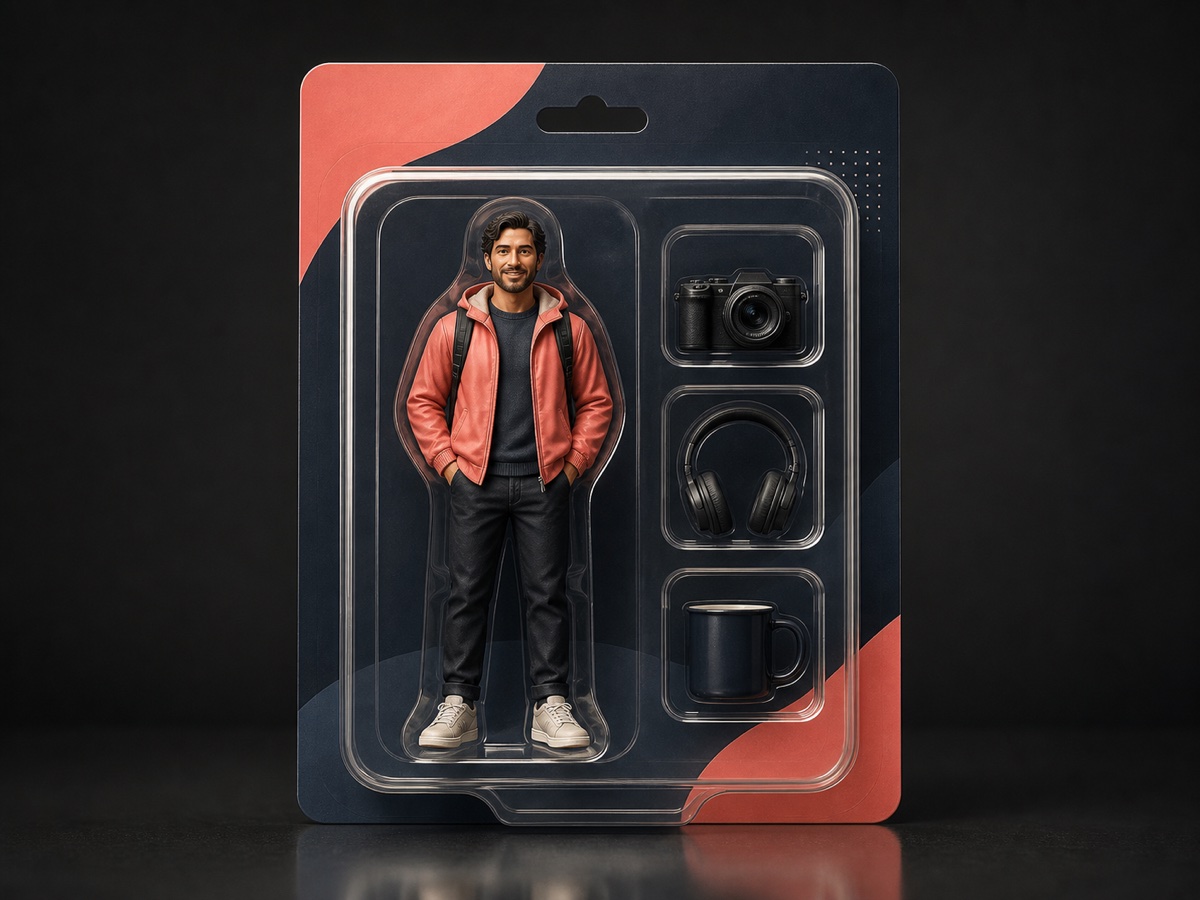
Portrait → toy box
Action Figure Box Generator
Turn one portrait into a personalized collectible figure package with your name, role, accessories, and color palette.
Open template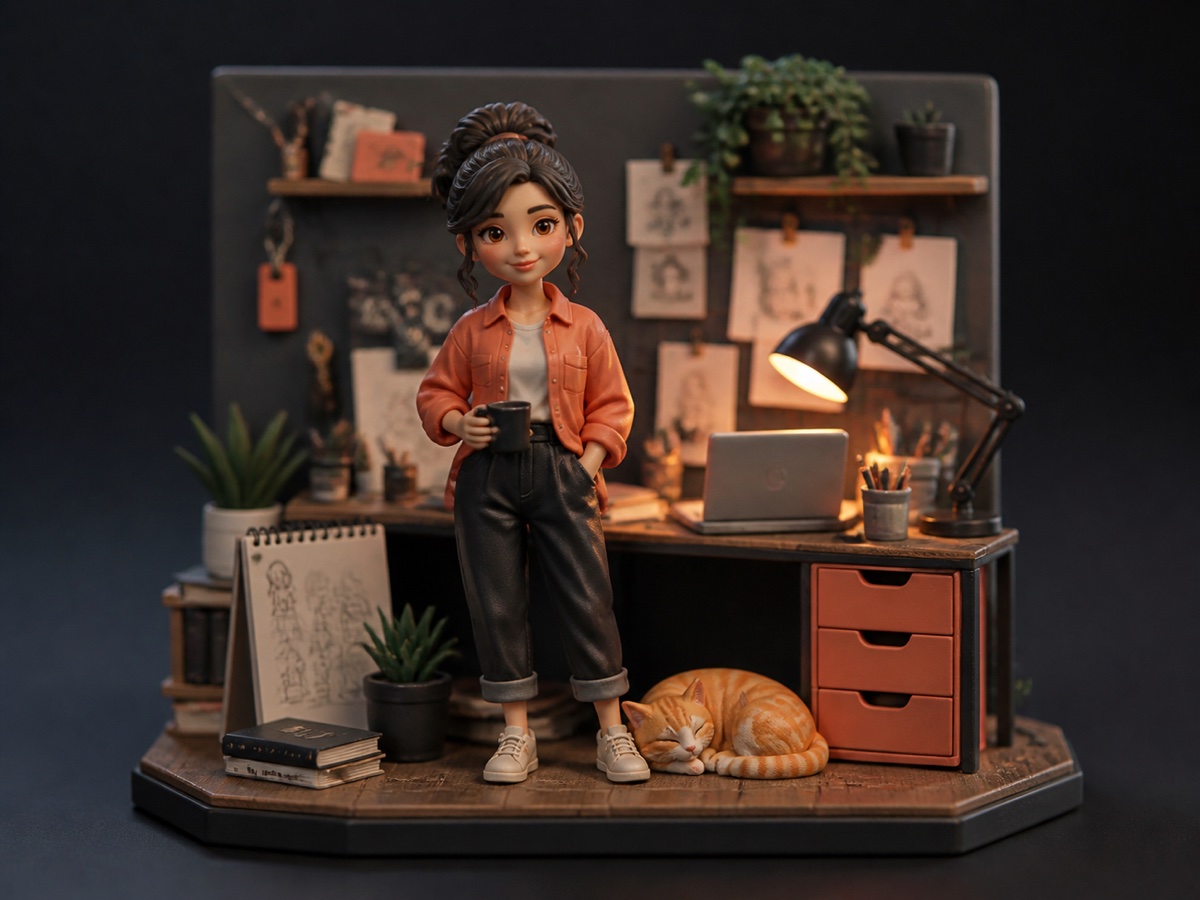
Photo → mini figure
Desk Figurine Generator
Turn a person or pet photo into a tiny collectible desk diorama with a custom scene, companion object, and material finish.
Open template