
Task guide · image to video
Use Image to Video when the frame already works and the next job is controlled motion. Give the model one clear starting image and describe what should move, how the camera should move, and what should stay stable.
Cost and control
The current estimate stays beside Generate. Choosing a workflow fills the composer but never starts a job or spends credits.
Hailuo 02 Fast
What you need
Upload one starting image with a clear subject. A short motion direction is more useful than a long list of unrelated effects.
- One still image you own or have permission to animate
- The subject action, camera move, and pace of the clip
- A target ratio and duration for the final placement
What you get
A short video generated through the live image-to-video recipe. You can review motion, download a successful result, or adjust the prompt and retry.
- A motion clip based on the uploaded starting frame
- A supported ratio and duration selected in Composer
- A result to review for flicker, drift, and natural movement
How to animate a still
- 01
Choose a stable frame
Use a sharp image with one obvious subject and enough context for the requested movement.
- 02
Describe one motion beat
State the action and camera move in order, such as a slow push-in while fabric moves in a light breeze.
- 03
Set duration and ratio
Match the clip format to its destination before generating so the framing can be checked in context.
- 04
Review temporal details
Watch the full clip for subject drift, flicker, warped edges, and a camera move that starts or ends abruptly.
Check before you publish the clip
- The subject identity and important edges remain stable from start to finish.
- The camera movement matches the brief and does not introduce a distracting jump.
- Hands, faces, reflections, and fine patterns remain believable across frames.
What to keep in mind
- Motion models may introduce flicker, drifting details, or physically imperfect actions.
- Busy collages, tiny faces, and low-resolution starting images are harder to animate cleanly.
- Treat the result as a clip to review, not a guarantee of frame-perfect continuity.
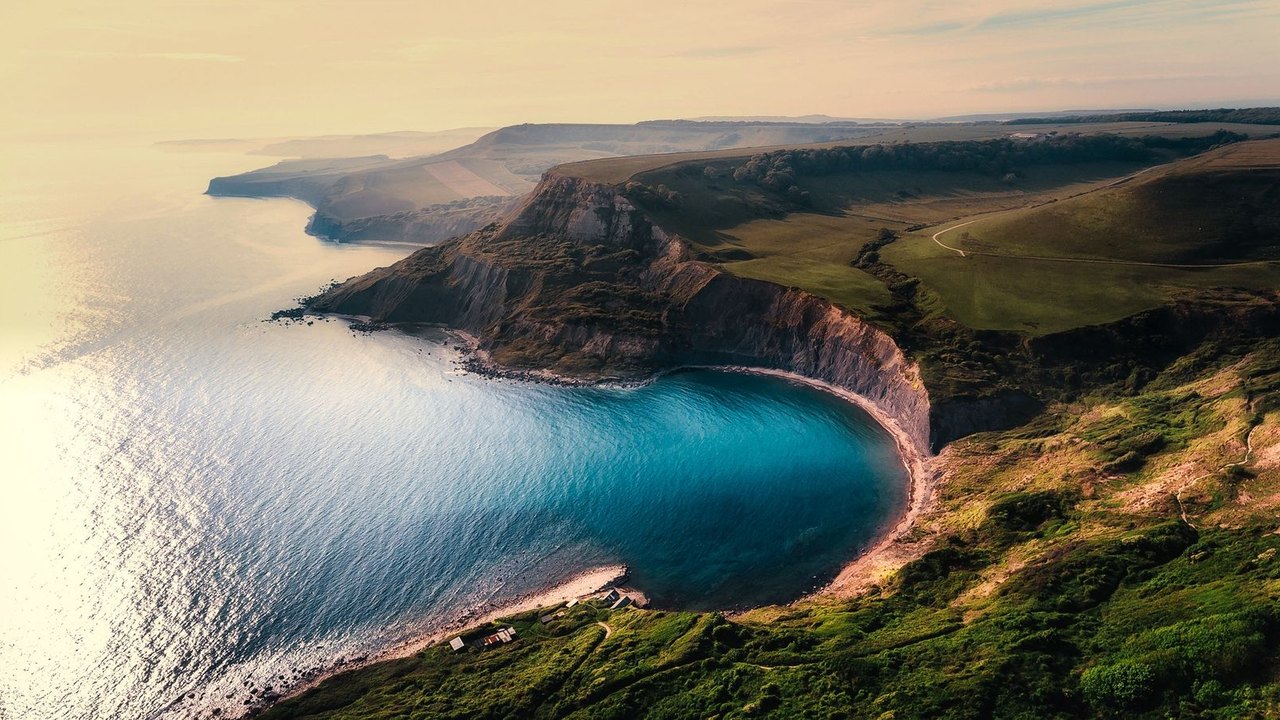
Example · Landscape motion study
A clear landscape frame gives the motion model room to express a simple camera move and atmosphere.
Questions about animating images
What makes a good starting image?
Use a sharp image with a clear subject, clean edges, and enough space around the area you want to move. Avoid tiny faces and dense collages.
Should I describe the camera or the subject first?
Describe both in a simple order: subject action first, then camera movement, pace, and what should remain still.
Can I use the clip commercially?
Paid plans are intended for commercial use subject to the service terms. Review the current pricing and terms before publishing client work.