
Task guide · text to video
Use Text to Video when you are starting with an idea rather than an existing frame. Describe one scene, its subject and action, the camera language, and the mood so the result has a clear visual job.
Cost and control
The current estimate stays beside Generate. Choosing a workflow fills the composer but never starts a job or spends credits.
Hailuo 02 Standard
What you need
A short scene brief works better than a full screenplay. Give the model an observable action and a camera direction it can express in a short clip.
- The subject, place, time of day, and action in one scene
- A camera move, pace, lighting direction, and emotional tone
- The target ratio and duration for the intended channel
What you get
A short video draft generated through the live text-to-video recipe. Use it to test a visual idea, then revise the scene description when timing or continuity needs work.
- A clip created from text without an uploaded starting image
- A supported ratio and duration selected in Composer
- A visual draft to review for action, timing, and subject consistency
How to turn a scene into a clip
- 01
Limit the scene
Choose one location, a small number of subjects, and one main action for the short duration.
- 02
Write what the camera sees
Describe framing, camera movement, light, and the order in which the action should happen.
- 03
Choose the delivery format
Set the ratio and duration before generating so the composition is judged against its real destination.
- 04
Review time and continuity
Watch for abrupt starts, subject drift, extra objects, flicker, and actions that do not finish naturally.
Check before you publish the clip
- The first frame establishes the intended place and subject quickly.
- The action is understandable without relying on a missing shot or caption.
- The final frame is usable and does not end on an accidental transition.
What to keep in mind
- Text-to-video can reinterpret complex scripts; begin with one short, observable scene.
- Fast movement, many characters, and precise choreography may need several drafts.
- Review generated people, objects, text, and timing before using the clip in a finished edit.
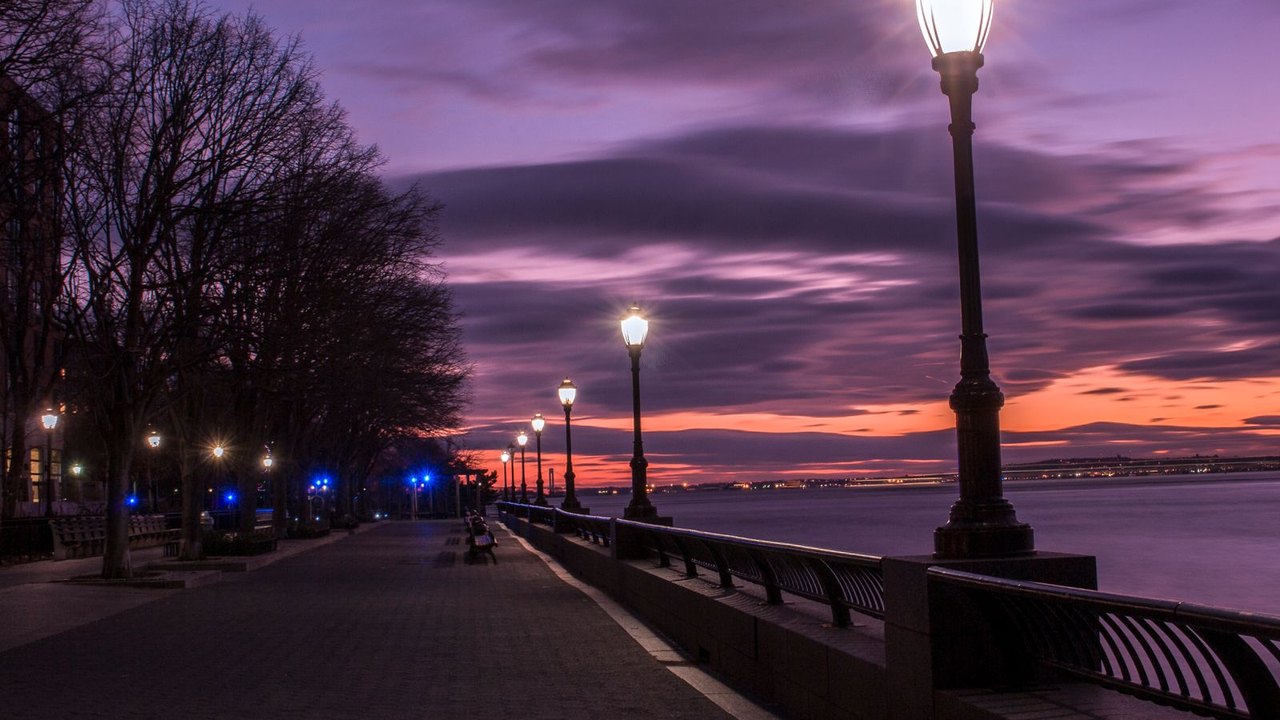
Example · Street scene draft
A single street action gives a text-to-video draft a clear subject, place, and camera task.
Questions about text to video
Can I paste a full screenplay?
It is better to turn the screenplay into one focused scene with a clear subject, action, camera, and mood. Longer scripts usually need a shot-by-shot workflow.
Do I need an image for Text to Video?
No. Text to Video starts from a scene description. Use Image to Video instead when you already have a specific frame that must anchor the clip.
How do I reduce strange motion?
Reduce the number of simultaneous actions, specify one camera move, and describe what should remain stable. Then review the full result before retrying.