
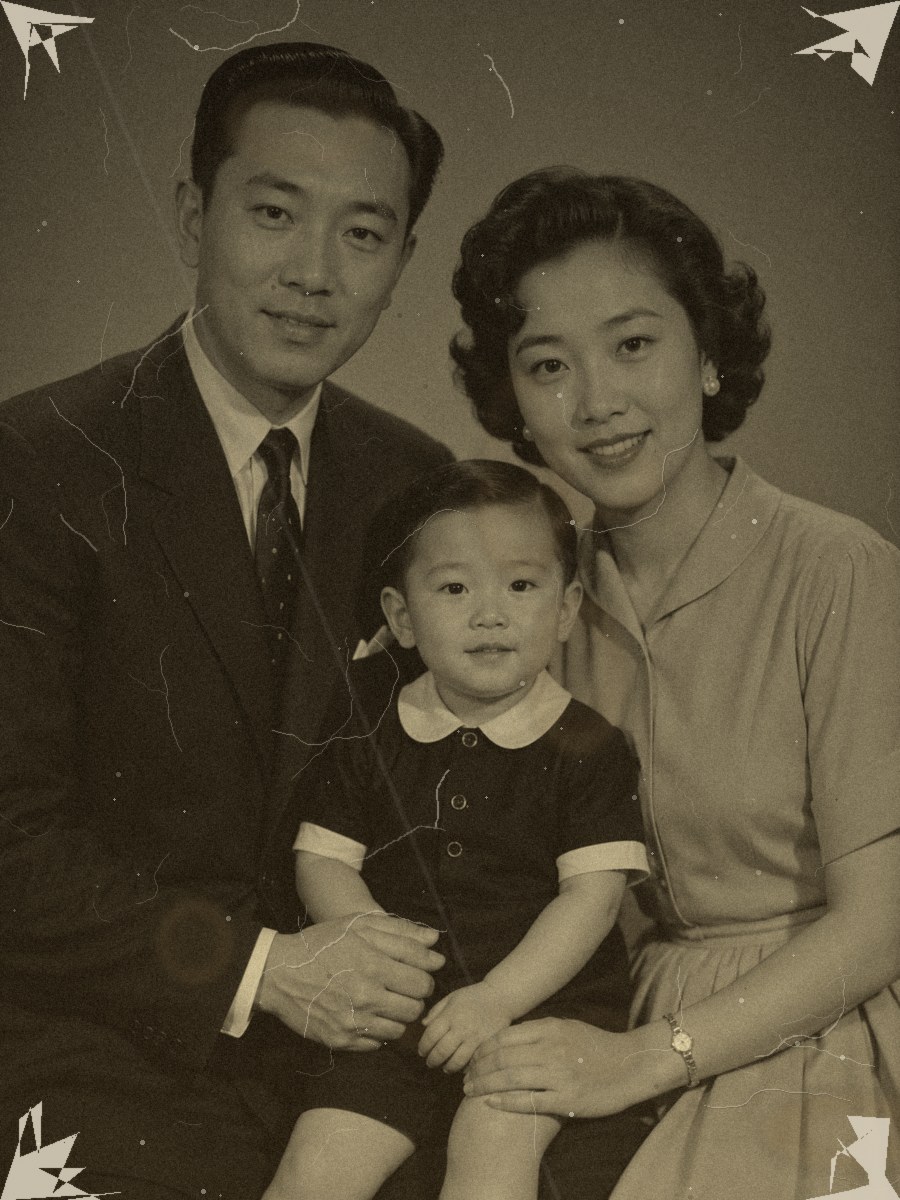
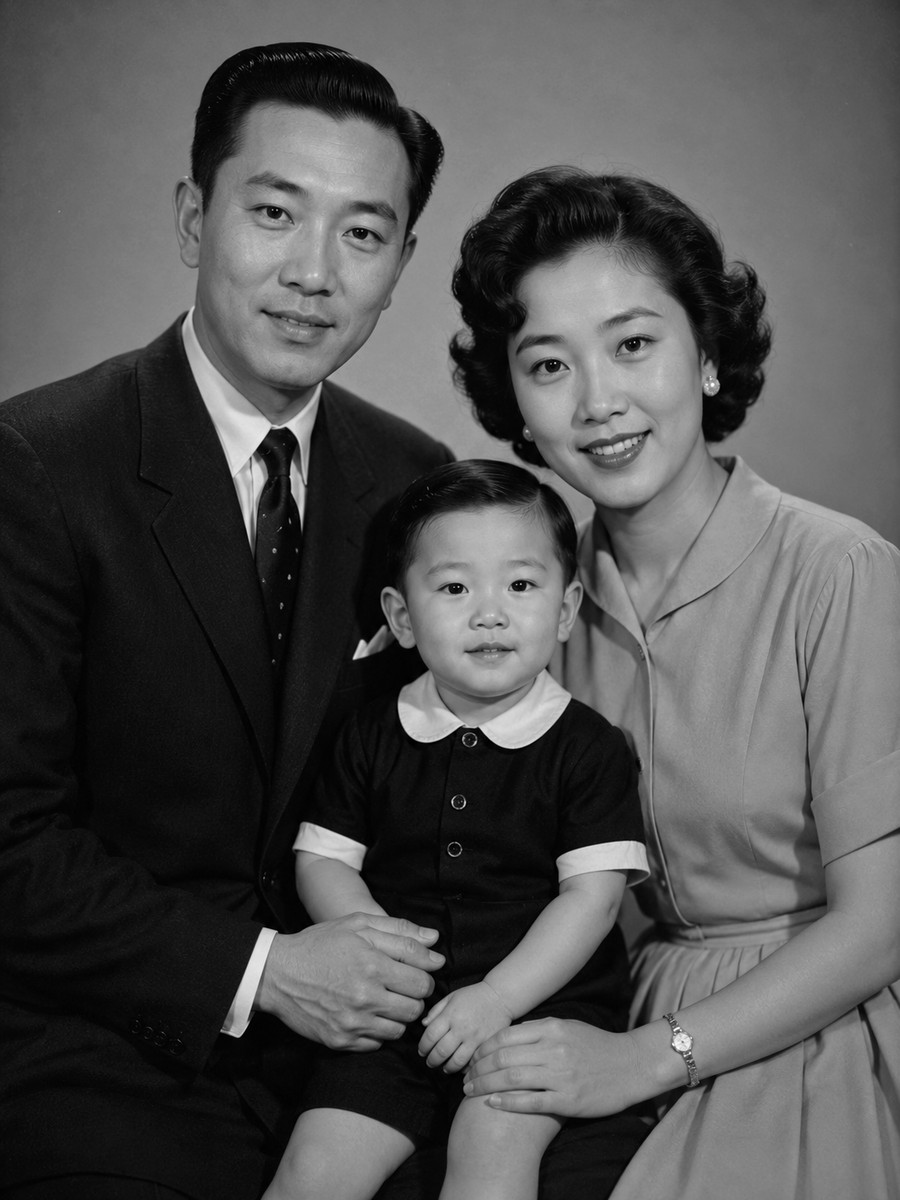
Old Photo Restoration
This template does one job: repair damage. It does not colorize, beautify, or modernize. Treat the result as AI-assisted restoration—not a perfect archival recovery.
Template pages do not publish an upload or result. Sharing stays opt-in: download or post only when you choose to.
Templates do not change generation pricing. The editor shows the live credit estimate before you spend.
Why restoration is its own template
One job only
People come here to repair damage—not to colorize. A single-purpose page keeps expectations clear.
Before/after is obvious
Damaged to clear needs no tutorial; the value is visible immediately.
Honest boundaries
Repair-only, grayscale-preserving prompts reduce mistaking reconstruction for archival fact.
Restoration steps
- 01
Use an authorized photo
Do not upload a family image, public figure, or sensitive identity data without permission.
- 02
Describe damage and invariants
Be specific about damage to fix and faces, crop, and clothing that must stay.
- 03
Apply into the editor
Review the prompt and credit estimate; Apply never charges.
- 04
Inspect the result
Check eyes, hands, fabric, and background; never treat invented detail as recovered historical fact.
Old photo restoration FAQ
Does it recover the original pixels?
No. Missing areas are plausibly reconstructed. Label the result as AI-assisted restoration, not a perfect archival recovery.
Will it also colorize?
No. This template only repairs damage and keeps grayscale. Use the black-and-white colorizer template for color.
Will my photo be public?
The template page does not publish uploads. Sharing only happens when you choose to download or post a result.
Try a related workflow
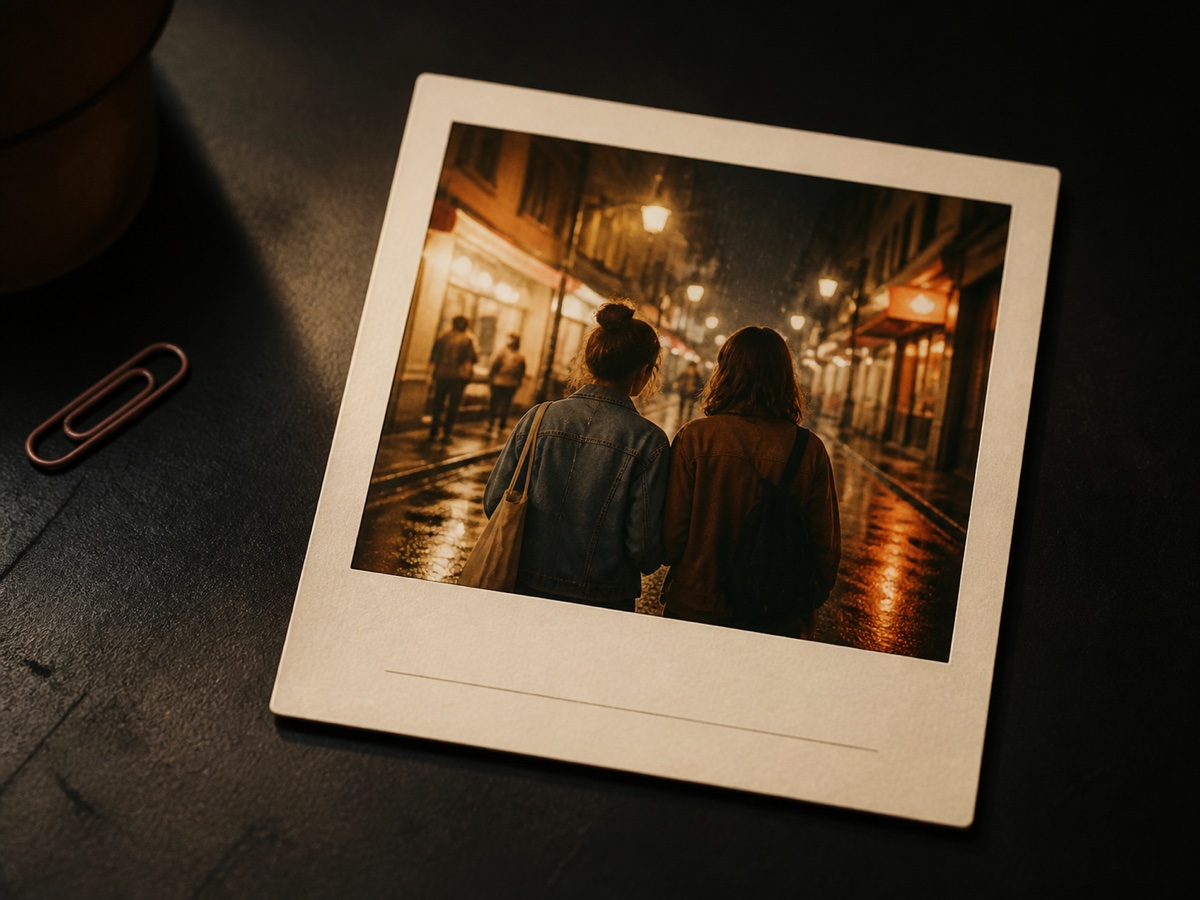
Photo → memory card
Instant Memory Card Maker
Turn a favorite photo into a warm instant-film memory card with a date, handwritten note, and share-ready composition.
Open template
B&W → color
Black & White Photo Colorizer
Upload a black-and-white photo and add restrained, period-plausible color while keeping structure identical—no restoration, and color is not historical fact.
Open template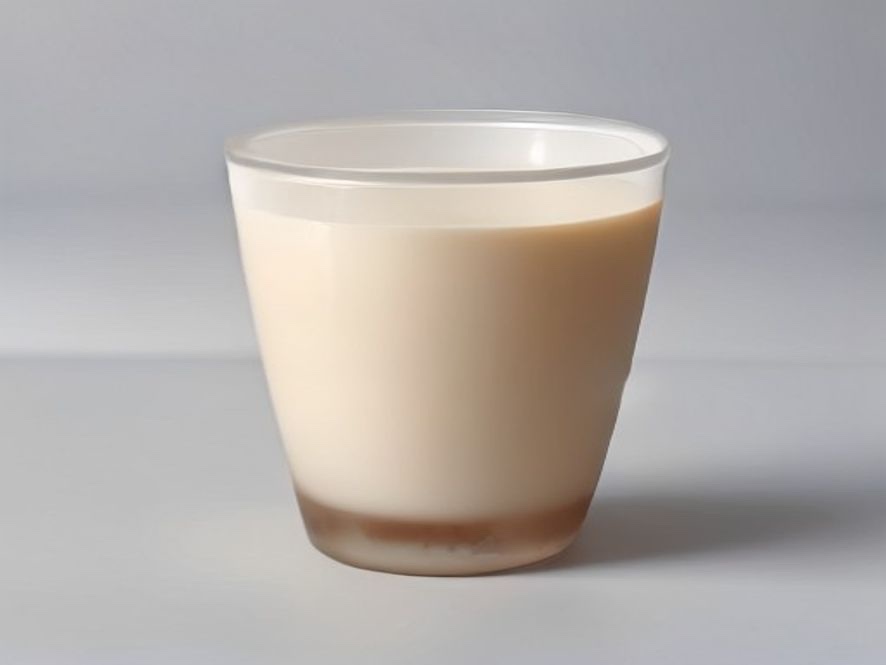
Product → hero shot
Product Hero Shot Generator
Upload a product photo, add name, surface, selling point, and lighting, then generate a catalog-ready ecommerce hero shot.
Open template