
AI Product Photography: A Repeatable Text-to-Image Workflow
A practical workflow for creating product-image drafts with MediaMuse AI: prepare the subject, write a controlled prompt, choose a ratio, and review the result.
 Maya Chen
Virtual editorial column · Product visuals and image editing
MediaMuse editorial content; the profile image is AI-generated and does not represent a real customer, independent reviewer, or named human expert.
AI-assisted content checked against the current MediaMuse product workflow; it is not an independent product review.
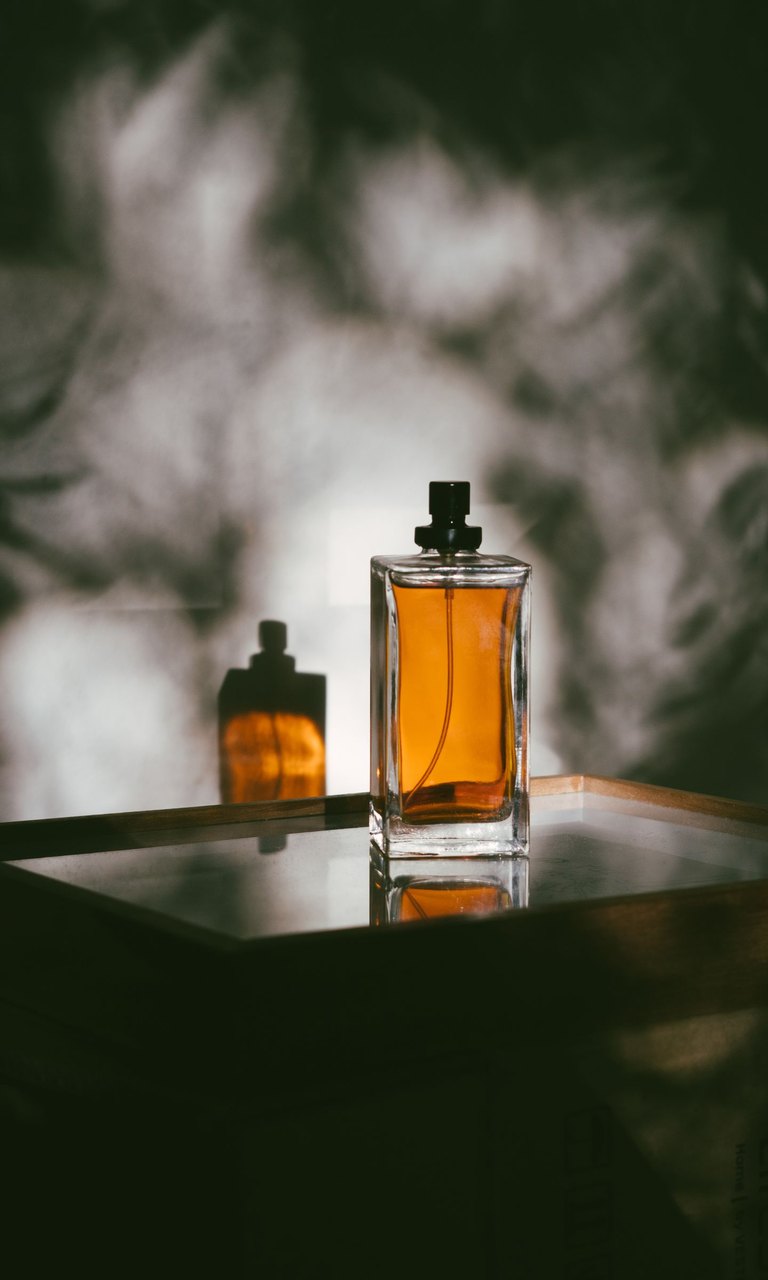
Product pages need images that make the object easy to understand. That does not always mean a complicated prompt or a large batch of variations. A more reliable starting point is a short, controlled brief that fixes the subject, the camera, the background, and the space needed for copy.
This guide uses the MediaMuse text-to-image workspace for a first draft. If you already have a reference photo, move to image-to-image so the subject can guide the composition.
1. Prepare the product brief
Before opening the generator, write down four decisions:
- Subject: what must remain recognizable, including color, material, shape, and key details.
- Scene: tabletop, studio sweep, shelf, outdoor setting, or another concrete location.
- Light: soft window light, high-key studio light, side light, or a deliberate shadow.
- Layout: square for a catalog tile, portrait for a mobile feed, or landscape when the image needs room for a headline.
The goal is not to describe every pixel. It is to remove ambiguity from the decisions that affect the product’s identity and the final crop.
2. Use a controlled prompt
Try this structure:
Product photograph of [subject], [material and color], placed on [surface] in [scene].
[Lighting] with a clean [background]. Leave [left/right/top] negative space for copy.
Natural proportions, realistic edges, no extra products, no brand text, no watermark.
For example:
Product photograph of a matte forest-green insulated bottle, brushed metal cap,
standing on a pale stone surface in a minimal studio. Soft side light, warm off-white
background, leave the right third open for a headline. Natural proportions, realistic
edges, no extra products, no brand text, no watermark.
The “no extra products” constraint is useful when the product is the only subject. The negative-space instruction is useful when the output will become a campaign asset rather than a simple catalog thumbnail.
3. Choose the ratio before generating
MediaMuse currently exposes 1:1, 16:9, 9:16, and 4:3 options in the text-to-image Composer. Match the ratio to the destination instead of generating a square image and cropping away the product later. Start with one output while you are tuning the brief; increase the output count only after the scene is working.
The workspace also shows the selected model and credit estimate before generation. Check those values at the time you submit because model availability and credit rules can change.
4. Review the draft like a product editor
Check the following before using an image in a store or ad:
- Is the product’s shape, closure, label area, and material believable?
- Are there duplicate objects, bent edges, or inconsistent shadows?
- Is any generated text readable and approved? Generated text should not replace a verified logo or legal label.
- Does the crop leave enough room for the intended headline or price?
If the subject is already available as a clean photo, use image-to-image to preserve more of its composition. If the background is the only problem, try Background Remover before generating a new scene.
What this workflow is good for
It is useful for moodboards, campaign directions, listing drafts, and exploring a visual system before a final production shoot. It is not a guarantee that every generated label, measurement, material detail, or regulated claim is correct. Keep an approved source image for facts that must be exact.
The repeatable habit is simple: lock the product brief, choose the ratio, generate a small batch, inspect the subject, and only then expand the scene or output count.